Plain-language verdicts
All Smooth, Picking Up, Working Hard, or Memory Tight - a readable state before any numbers.
Native Mac health companion
Tend answers the question calmly: a plain-language verdict first, the useful system details second.
$2.99 one-time purchase. No subscription. macOS 14+.
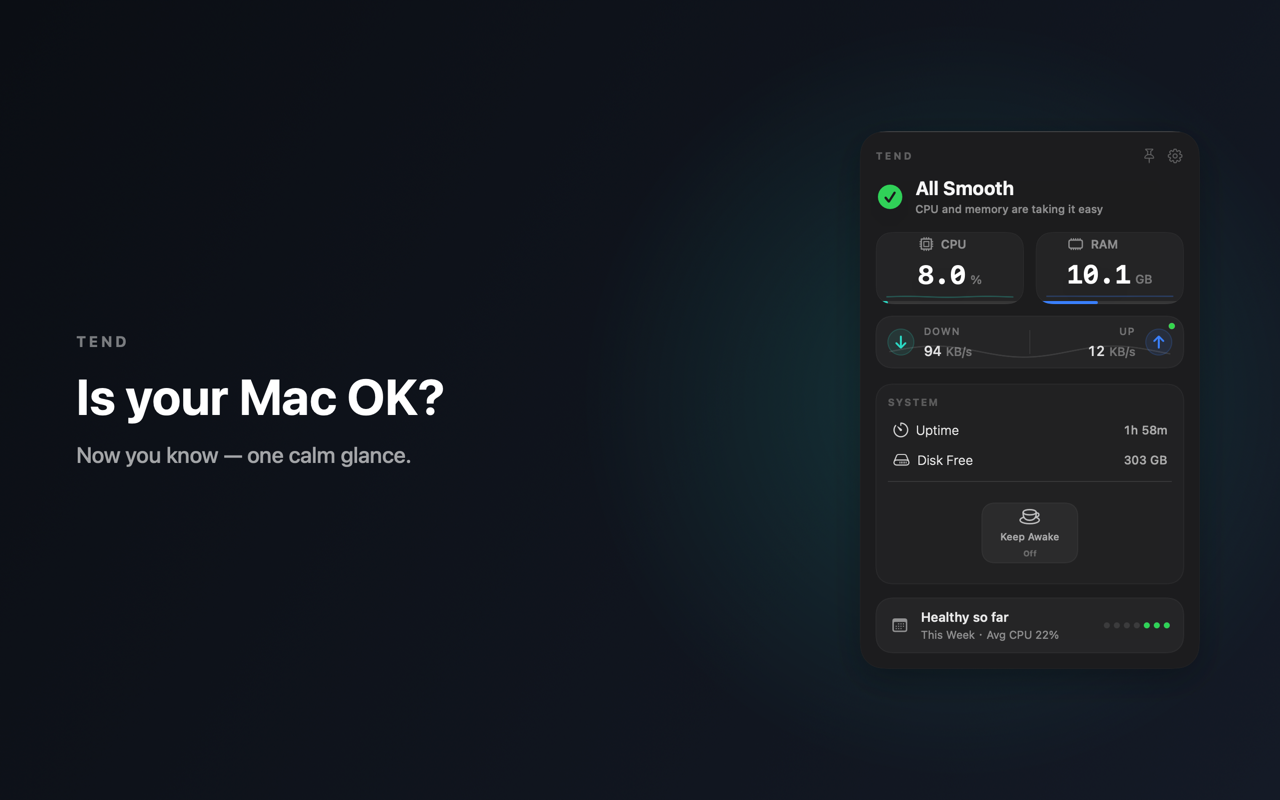
All Smooth, Picking Up, Working Hard, or Memory Tight - a readable state before any numbers.
Cycle count and capacity are shown as a friendly health signal instead of being buried in system menus.
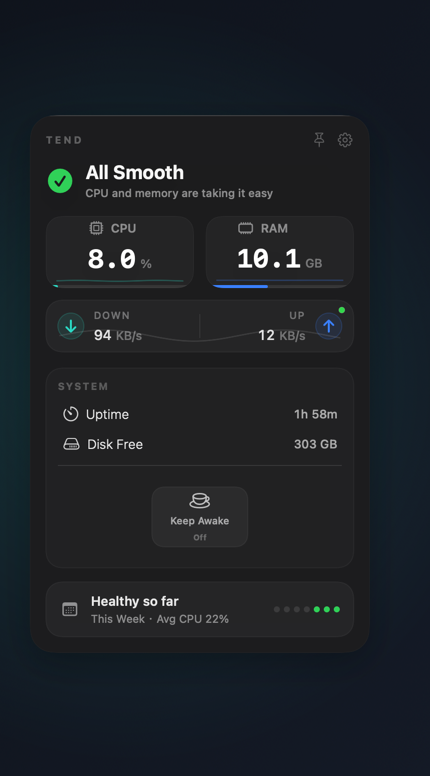
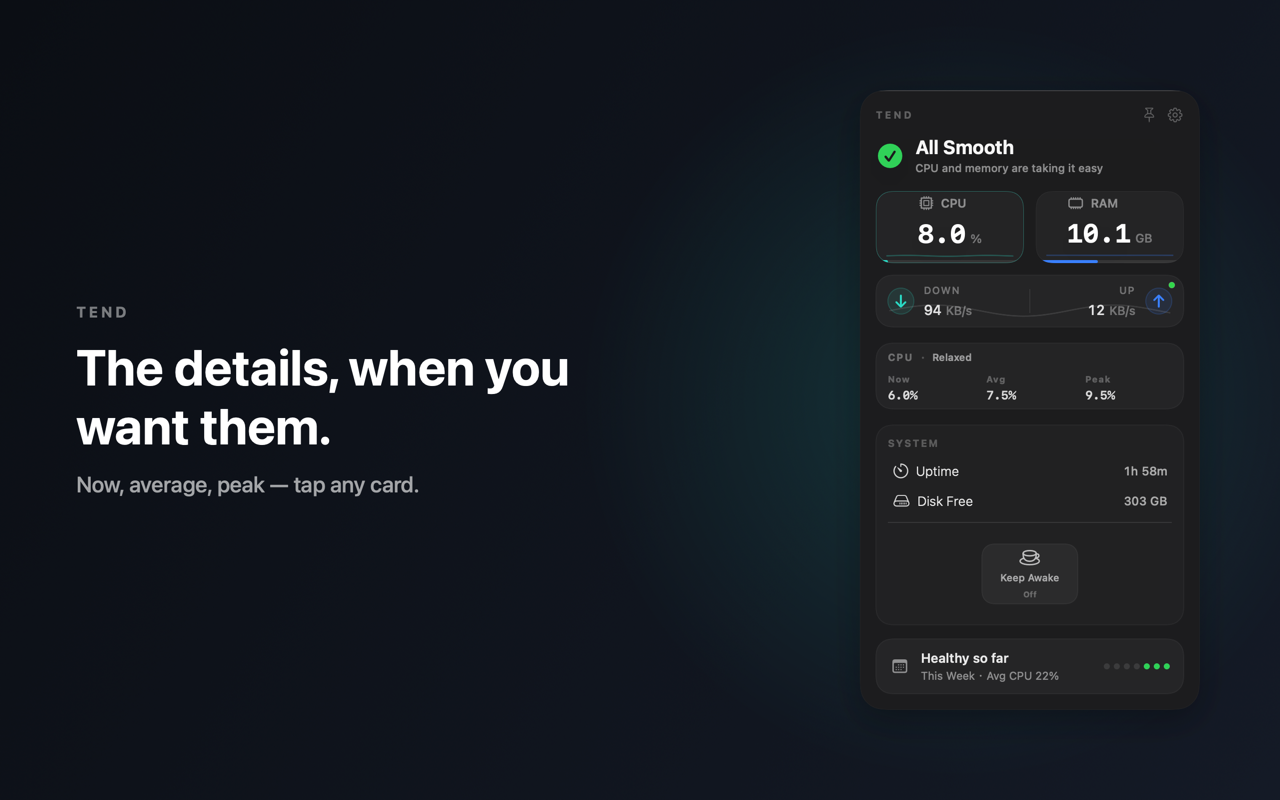
CPU, memory, network, disk space, uptime, and a small weekly summary are shaped for quick glances.
Optional local alerts help with low battery, full charge, low disk space, and network state without nagging.
Keep your Mac awake for a short stretch or until you turn it off, right from the menu bar.
Workflow
Trust
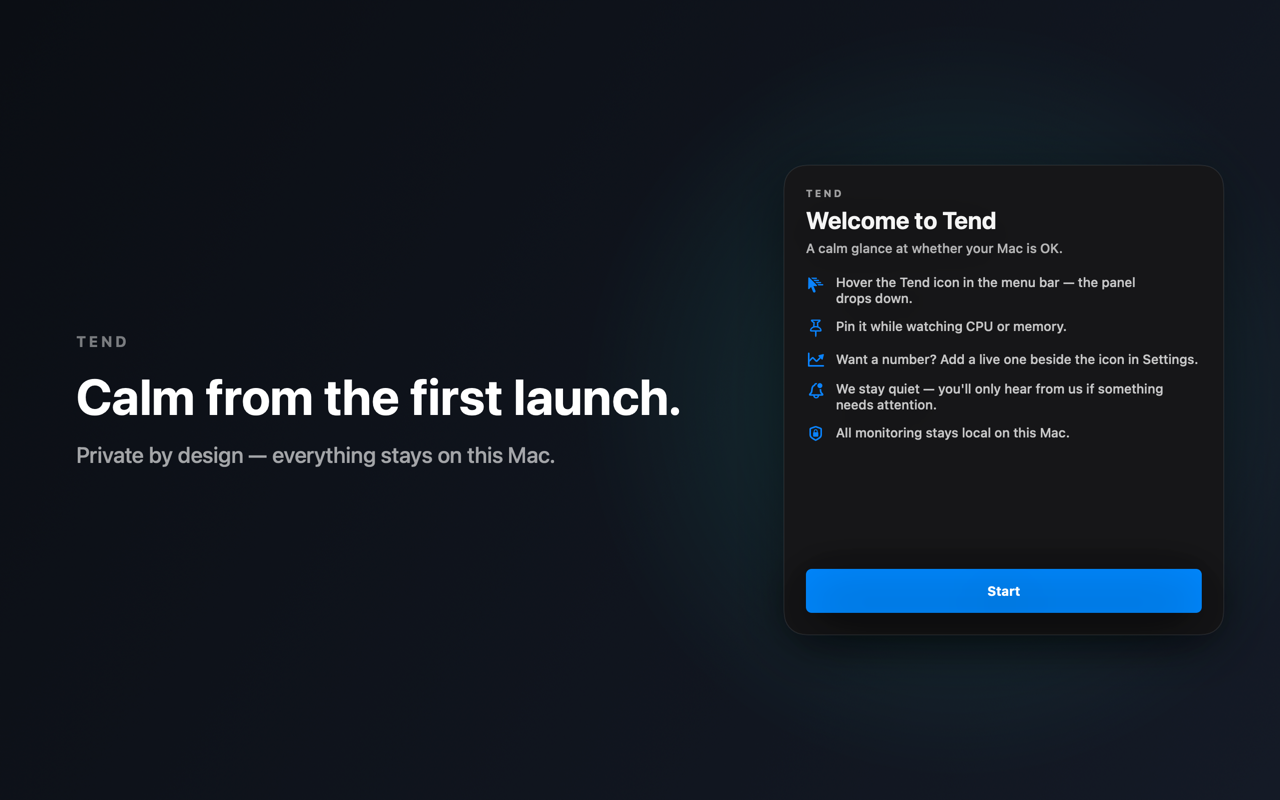
Tend lives in the menu bar, not the Dock. Hover the breathing-rings icon and the panel drops down.
No. Tend reads local system metrics on your Mac and makes no network requests. No analytics, no tracking, no account.
Yes, if you want a calmer answer instead of a dense diagnostics dashboard. Tend is for everyday Mac owners, not deep process inspection.
macOS 14 Sonoma or later, on Apple silicon or Intel Macs.
More by Bailuo