One gesture
Drag a file, link, note, or image onto the menu-bar icon, hold for a moment, and drop it on a time.
Native Mac menu-bar app
DropSnooze turns "deal with this later" into one gesture: drag, pick a time, and get the real thing back.
Free to try. $7.99 one-time unlock. No subscription.
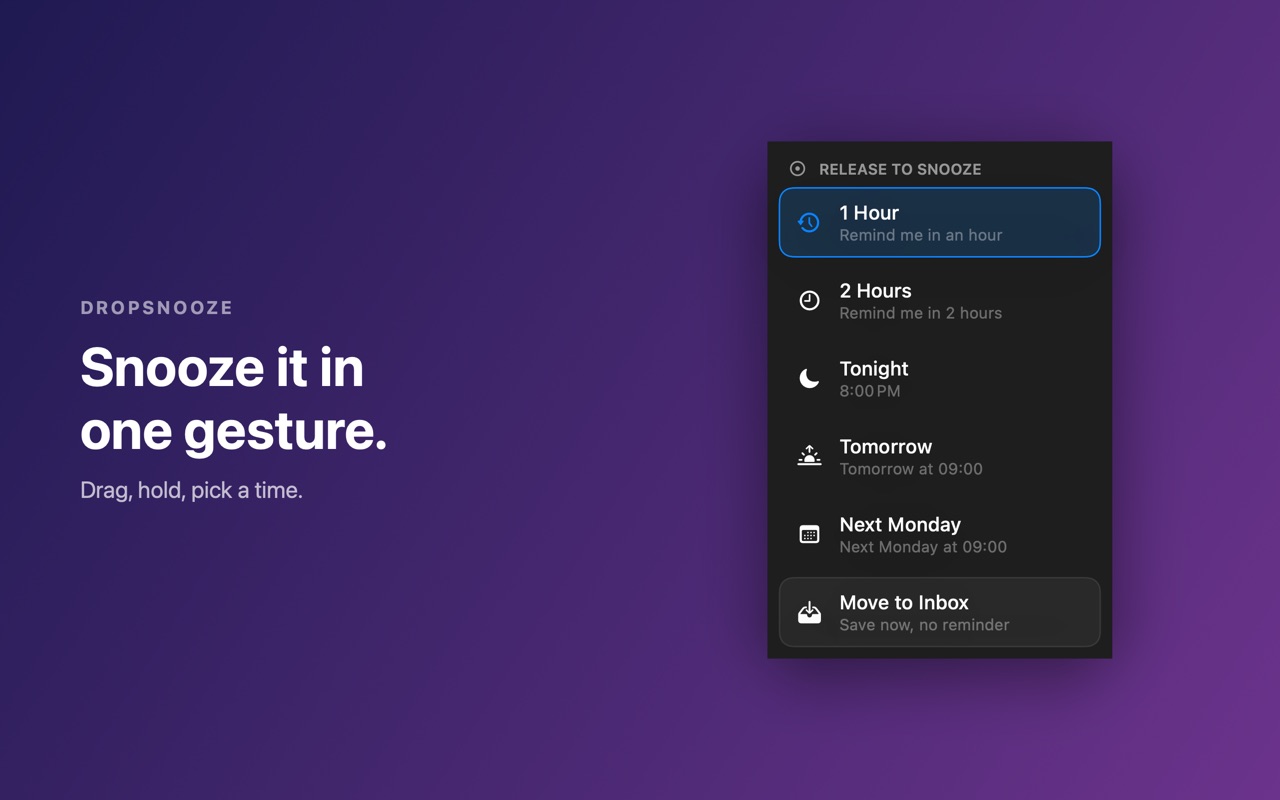
Drag a file, link, note, or image onto the menu-bar icon, hold for a moment, and drop it on a time.
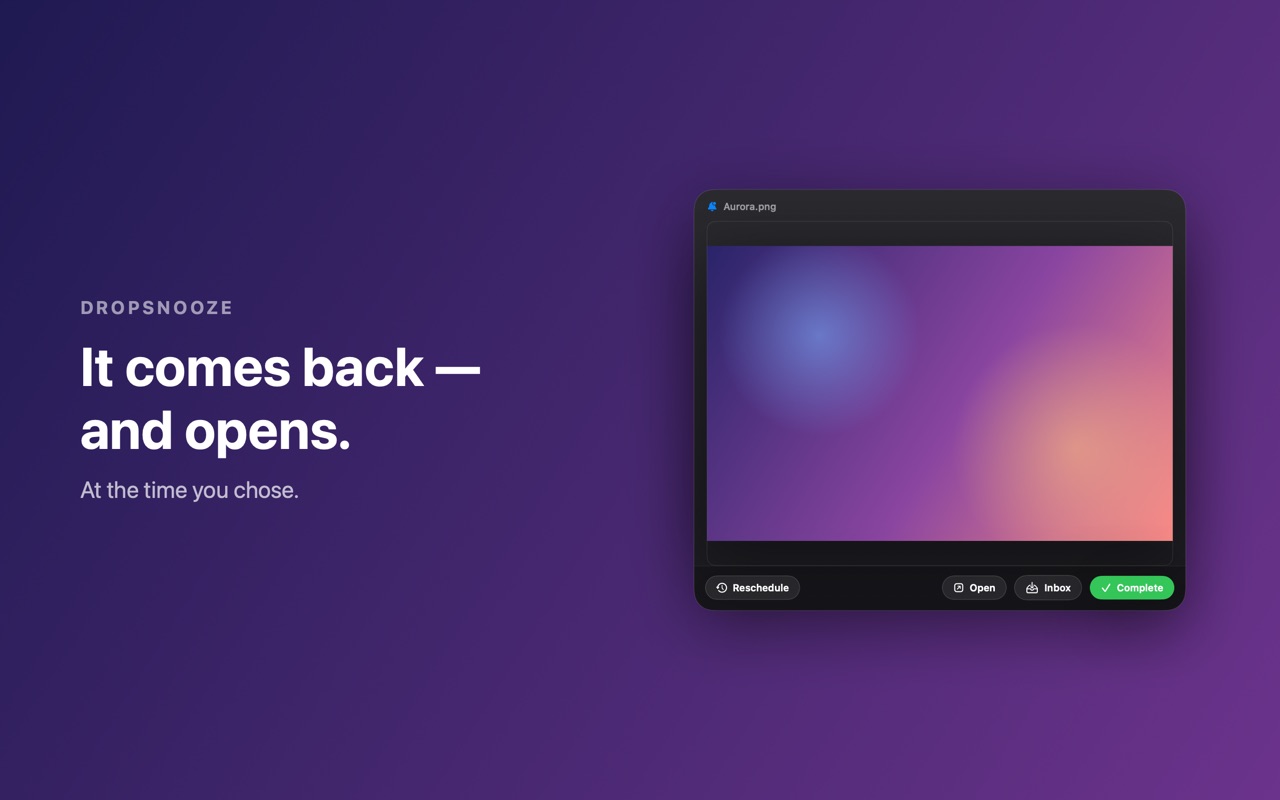
When the time arrives, the actual file or page opens in front of you, not just a reminder about it.
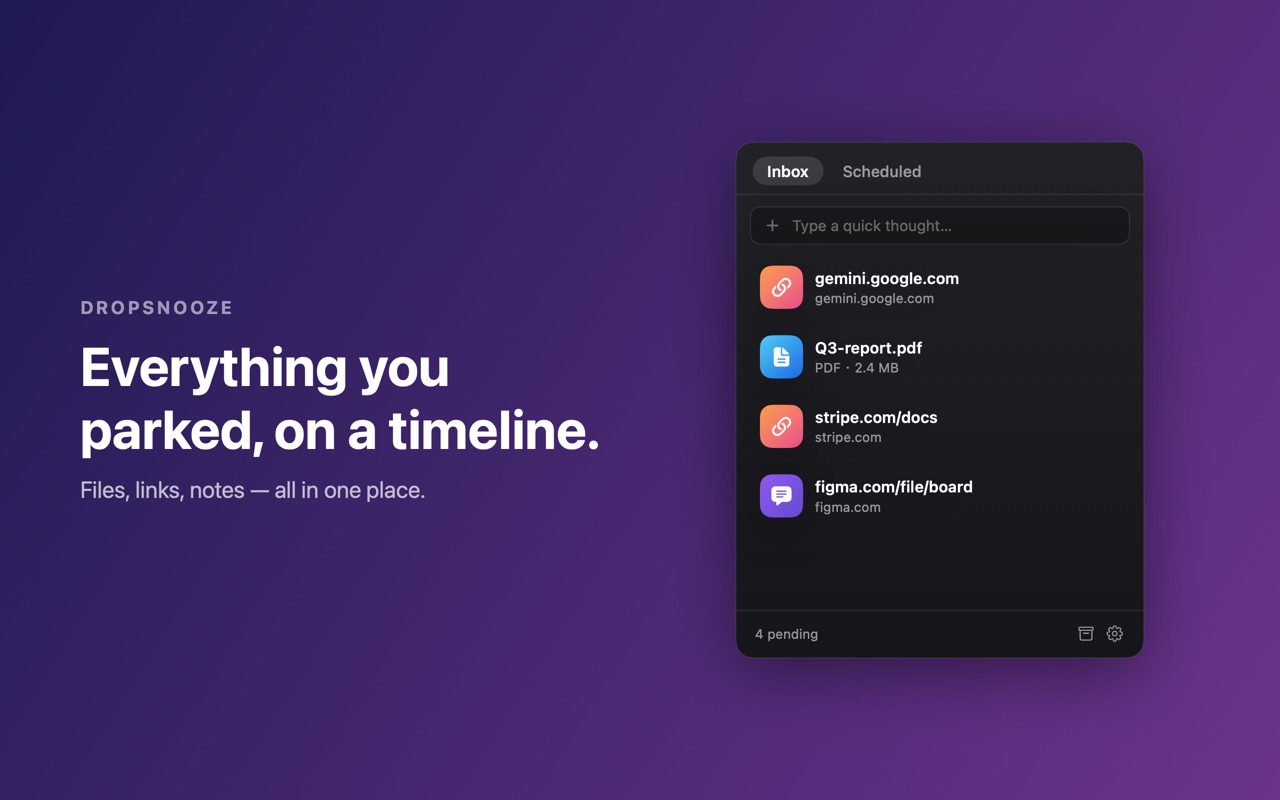
See what you have snoozed and when it returns, without turning later into a task-management ritual.
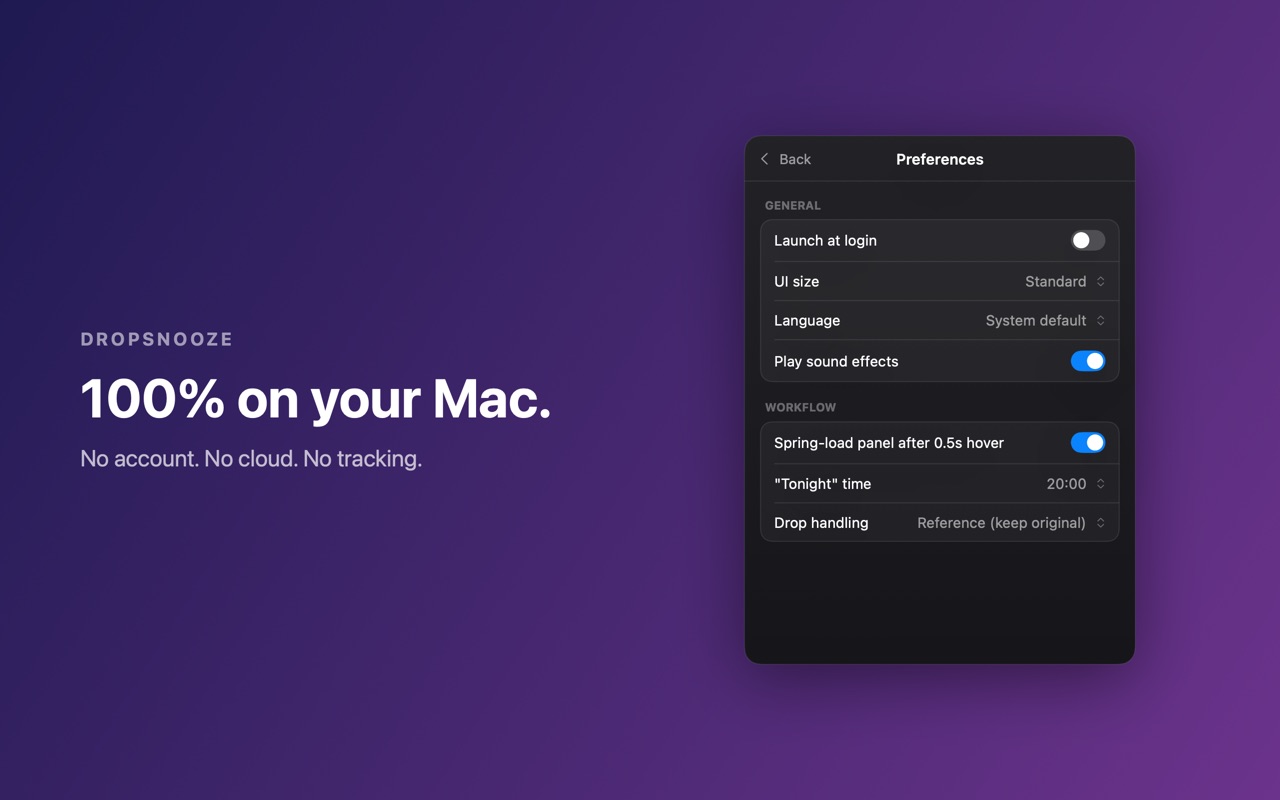
Files are not copied or moved. DropSnooze reopens originals in place using macOS security-scoped bookmarks.
Workflow
Trust
Shelf apps hold things while you move them around. DropSnooze answers a different question: when should this come back?
No. Files stay where they are. DropSnooze reopens the original in place, and deleting an item in DropSnooze never deletes your file.
Yes, when the reminder is tied to a file, link, note, or image you want reopened later.
The app makes zero network requests. There is no account, no cloud sync, and no analytics.
More by Bailuo